Complete the survey
Capture property information in BER PRO using manual measurement or optional compatible-device LiDAR assistance.

Reduce repeated data entry while keeping every BER assessment under professional review.
BER PRO is the iPad surveying application; DEAP Autopilot is a separate Chrome extension. It transfers supported project information only after the assessor reviews it.
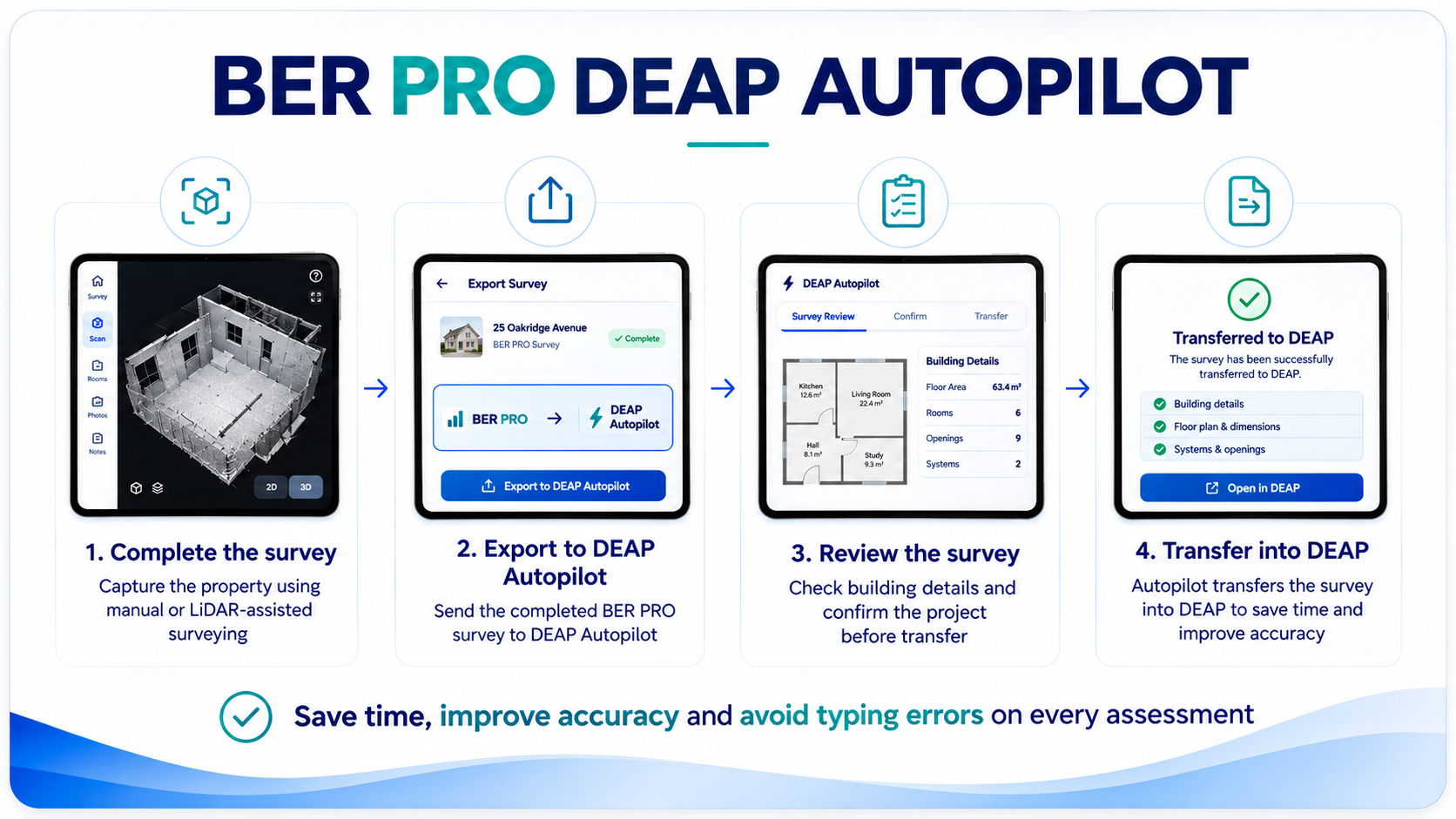
Capture property information in BER PRO using manual measurement or optional compatible-device LiDAR assistance.
Prepare the completed project information for use in the browser extension.
Check measurements, fabric, ventilation and other supported entries against your survey before transfer.
Use Autopilot to enter supported fields in DEAP4. Review every value and complete unsupported fields manually.
Install the DEAP Autopilot extension from the Chrome Web Store for supported BER PRO workflows. The extension assists with building and ventilation information; manual DEAP4 completion may still be required. Autopilot does not submit a BER on your behalf.
Add to Your BrowserRequires authorised Energio access and access to the relevant DEAP4 workflow.